
Your IT specialist in Montréal and on the South ShoreCall 514 816-0585
Our expertise / IT & securityFor your everyday needs

Home computer troubleshooting

Enjoy a computer that keeps up with you again.

A slow computer, an uncooperative printer or unreliable Wi-Fi. We get your tools working for your everyday needs, with clear explanations.

MONTRÉAL · SOUTH SHORE · MONTÉRÉGIE
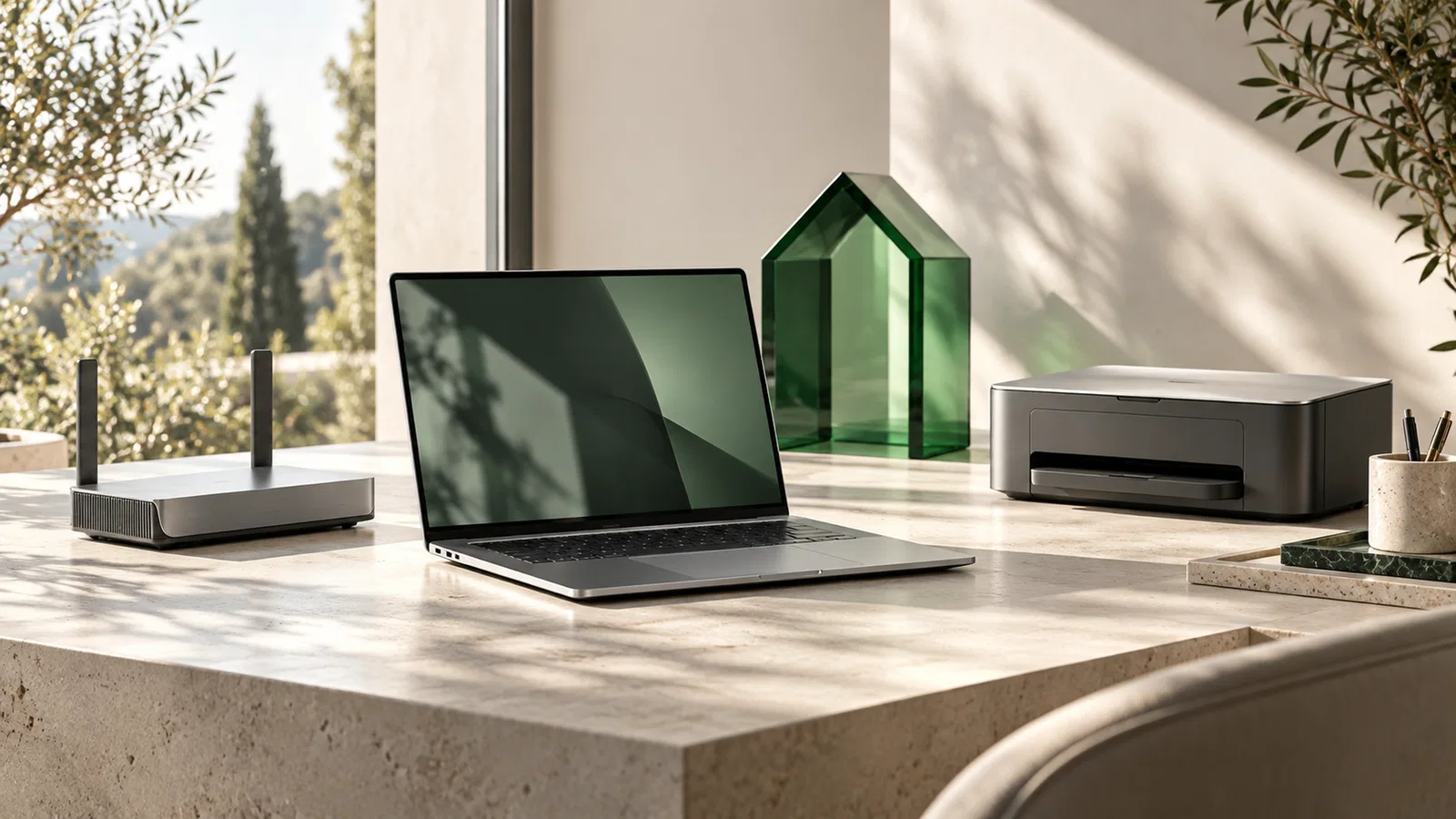
Home computer setup with a computer and connected devices
ILLUSTRATION · IT & security
THE ESSENTIALS, WITH PURPOSE.

Fewer small frustrations. More simplicity.

An endless startup, hard-to-find files or a connection that drops at the wrong time: IT can take up more space than it should. We start by understanding what is getting in your way, the devices involved and what you want to keep.

We look for the cause before proposing a replacement. Depending on the diagnosis, the work may involve freeing up storage, correcting a configuration, preparing a new computer or organizing backups. You leave with explanations suited to your level and guidance for what comes next.

LET’S START WITH YOUR SITUATION

What is making life difficult?

Choose the scenario closest to your needs.

YOUR STARTING POINT / 01

Identify what is slowing your device down.

We examine startup, available space, updates and the symptoms you have noticed. The goal is to distinguish a configuration issue from a hardware limitation before choosing the right intervention.

  • Describe when the slowdown happens
  • Check the data that needs to be kept
  • Prioritize useful fixes
Discuss it with MGM
YOUR STARTING POINT / 02

Prepare a smoother transition.

From the first startup to transferring the agreed files, we help you get your tools working on your new computer. Software, licences and transfer options are checked together.

  • Prepare the accounts needed
  • Organize important folders
  • Test everyday peripherals
Discuss it with MGM
YOUR STARTING POINT / 03

Look at the connection as a whole.

Router location, walls, the internet connection and devices can all play a role. We analyze the symptoms to guide troubleshooting instead of adding more purchases.

  • Identify rooms with weaker coverage
  • Distinguish the internet from the local network
  • Check the printer and connected devices
Discuss it with MGM
HOW WE APPROACH THIS PROJECT

Next steps,
well prepared.

  1. 01

    Describe the problem

    Note any messages displayed, the device model and when the issue occurs.

  2. 02

    Prepare the intervention

    Together, we determine whether remote support or a visit is appropriate.

  3. 03

    Test together

    You try the affected functions, and we review useful habits to maintain.

WHAT THE ENGAGEMENT CAN INCLUDE

The right scope.
For your project.

Together, we select what is useful. The quote details the work, required access and any external costs.

Computer troubleshootingComputer installationRemote supportPrinterHome Wi-Fi
  • 01Computer diagnostics and troubleshooting
  • 02Installation, configuration and optimization
  • 03Wi-Fi, internet, printers and peripherals
  • 04Phones and connected devices
  • 05Protection and backup advice
  • 06Home visits or remote support
WHAT TAKES SHAPE

Guidance for your everyday needs.

01

An explained diagnosis

Understand the problem, the options considered and your device’s limits.

02

Configured tools

Get the agreed functions working: email, files, printer or connection.

03

Getting started

Practise useful steps together and know what to watch for after the intervention.

WHAT TO KNOW BEFORE STARTING

Your questions, in your context.

Open a question to learn more.

Can you help without coming to my home?

Some settings and checks can be handled remotely, with your agreement and a working connection. A hardware failure or physical installation may require a visit. We confirm the approach after an initial conversation.

Should I replace a slow computer?

Not automatically. Its age, condition, available storage and your needs guide the decision. A diagnosis helps compare optimization, possible repairs and replacement before you commit.

How should I prepare my files?

Identify important folders and let us know whether you already have a backup. If the device shows signs of failure, describe them before trying multiple fixes. We will agree on how to preserve the data during the intervention.

HELP CLOSE TO HOME

Let’s start with
your situation.

Describe the symptoms, your device and your city. For home computer troubleshooting in Montréal, on the South Shore or in Montérégie, we confirm the approach and availability with you.

Montréal, South Shore and Montérégie
YOUR NEXT STEP

Let’s get your devices working for you again.

Describe the problem and the devices involved. We’ll prepare the right first step.

Describe my needsOr call 514 816-0585
Your privacy

The essentials,
made simple.

This site uses no advertising trackers or audience analytics tools. Only interface preferences are stored on this device.

The form saves your inquiry in our Supabase environment and sends a copy to MGM by email through Netlify. The information is used to process your inquiry. If you choose to pay, you will be redirected to Stripe.

Privacy policy Cookie policy